> ## Documentation Index
> Fetch the complete documentation index at: https://docs.into.space/llms.txt
> Use this file to discover all available pages before exploring further.
# Placing a Market Order
> Buy instantly at current prices
Placing a market order is easy and best suited for those looking for an instant fill on a quick trade. Once you've found a [market](/features/categories) you want to trade an outcome on, follow the steps below.
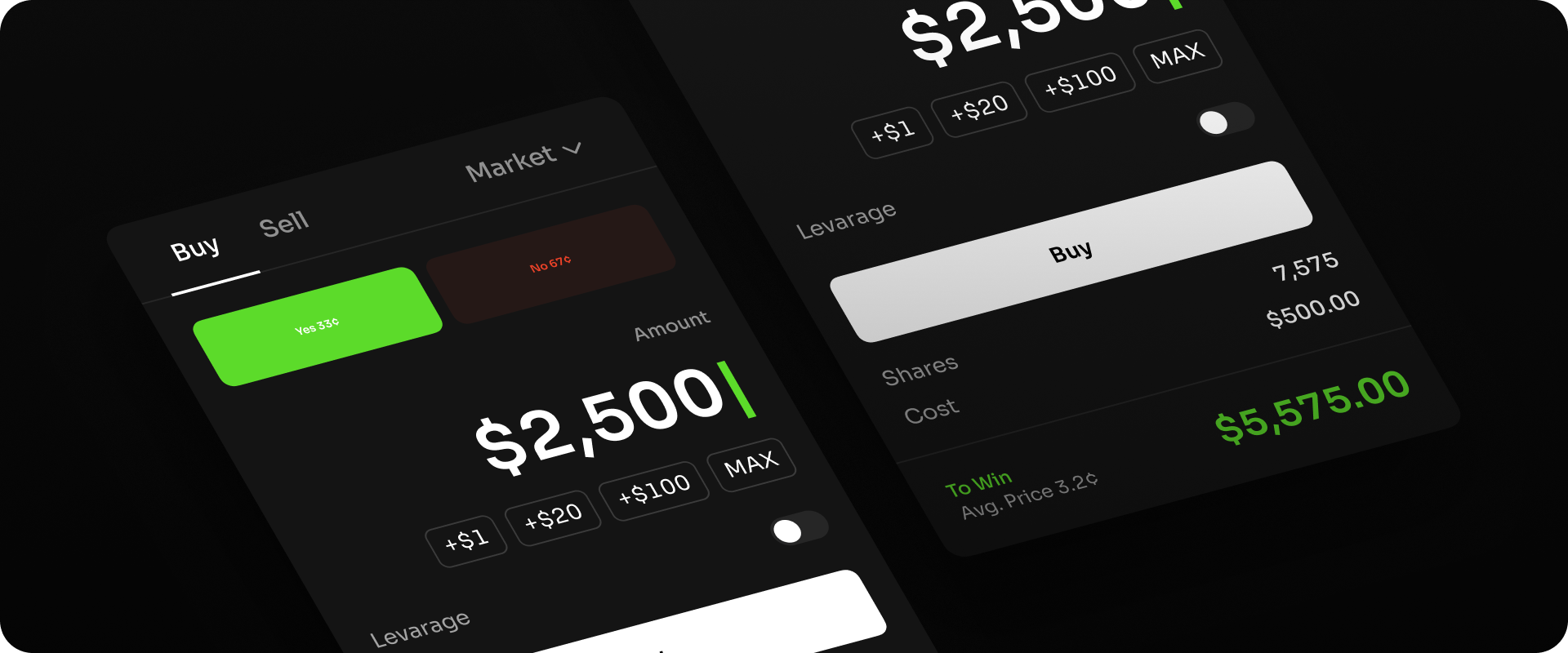 You can then choose to wait until the market is resolved and either YES or NO answers are marked as victorious. Alternatively, if you wish to exit your position earlier than the market's resolution, follow the steps below: