> ## Documentation Index
> Fetch the complete documentation index at: https://docs.into.space/llms.txt
> Use this file to discover all available pages before exploring further.
# Placing a Limit Order
> Set your price and wait for execution
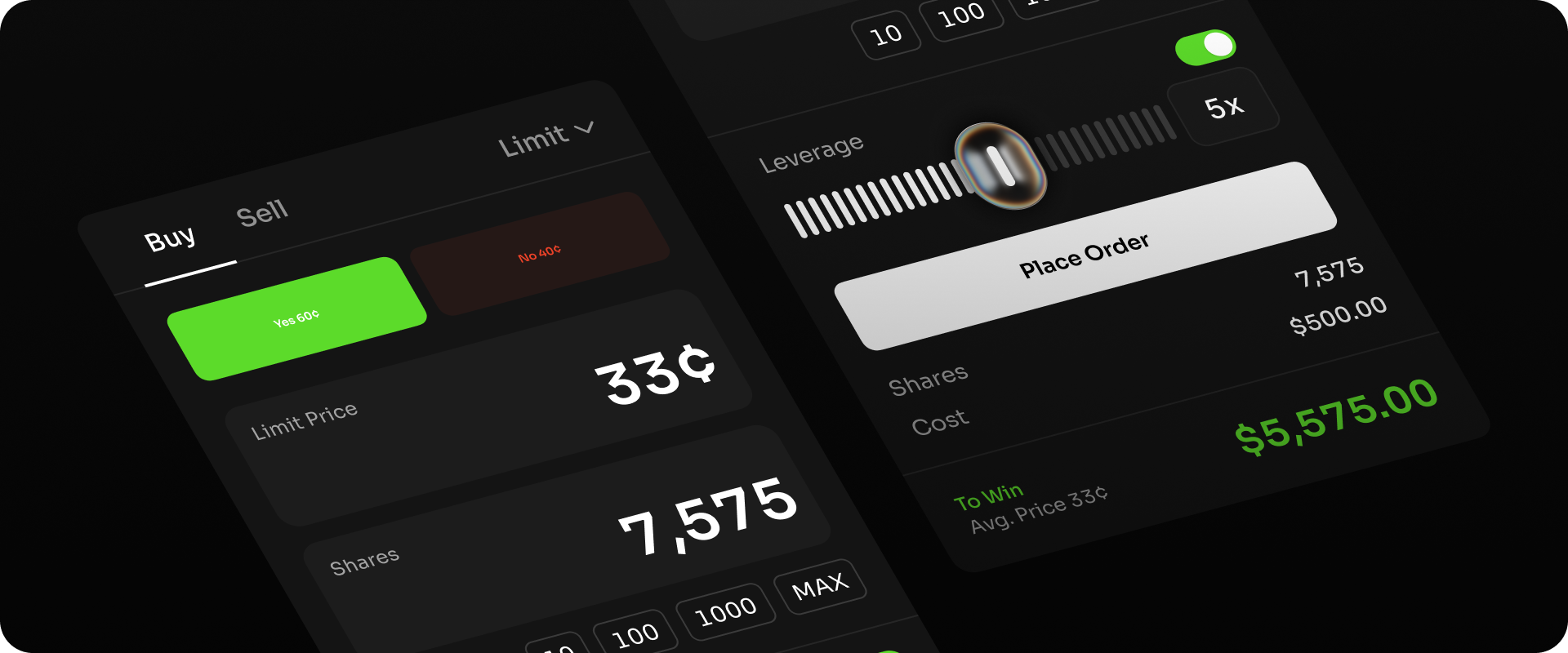
Limit orders allow you to set a specific price at which you wish to buy or sell an outcome. They are pending trades that will execute when the market trades at the price you selected. For instance, if you're willing to pay up to \$0.65 for 1,000 YES shares in the market *"Will Bitcoin trade above \$100,000 before year-end?"* but the current market price is \$0.68, you could place a limit buy order for 1,000 shares at \$0.65. Your order will remain open in the book until another trader is ready to sell at your target price - at which point your trade executes automatically, without paying any [taker](/concepts/makers-takers) fee. Once you've found a market you want to place a limit order on, follow the steps below.